
Introduction
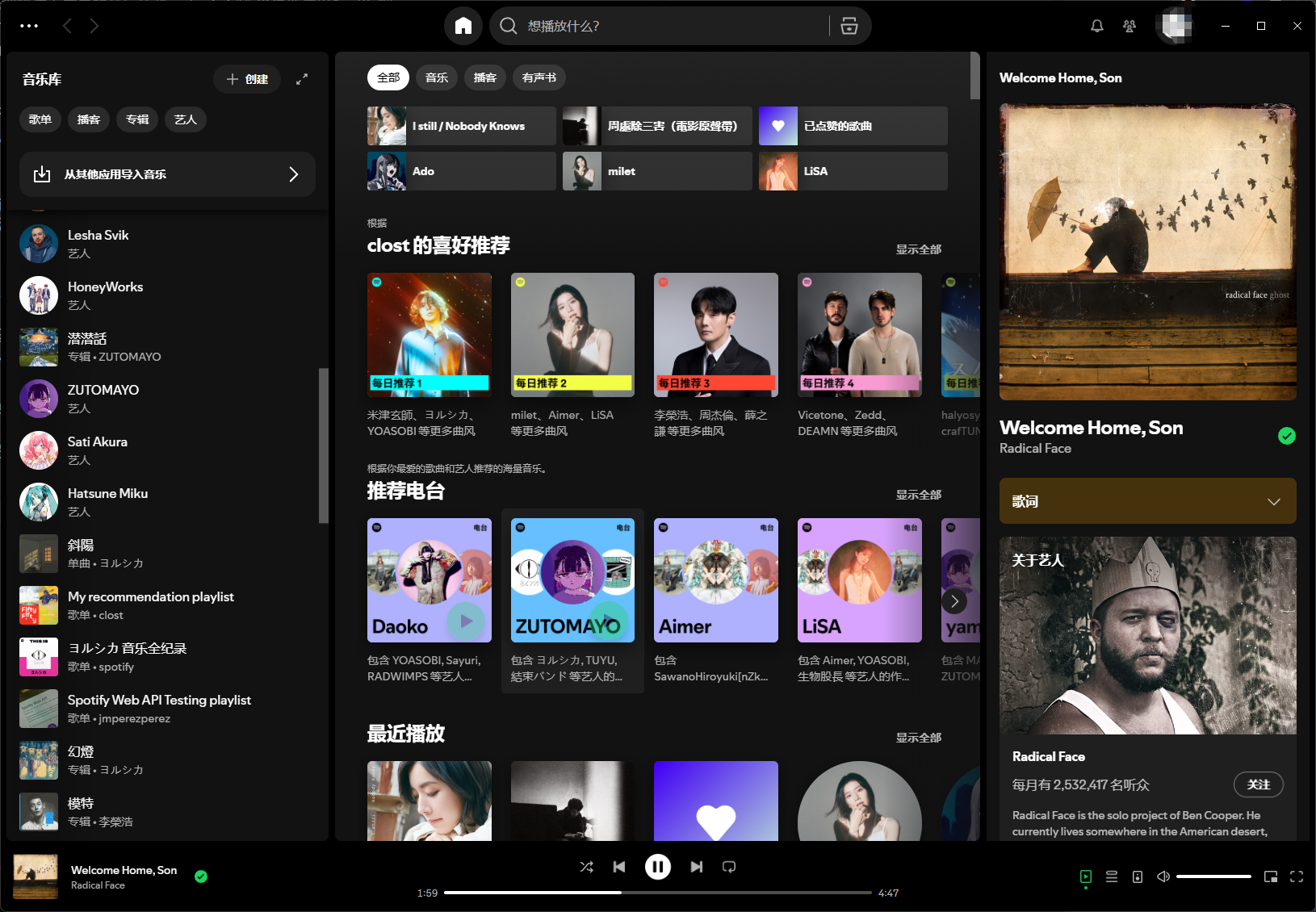
As a music enthusiast, I’ve been searching for a clean, ad-free online streaming service. I’ve tried NetEase Cloud Music, QQ Music, and others, but they’re bloated with too many ads and poor user experience. Even with a premium subscription, ads can’t be disabled. I use Apple Music on my phone and Mac, but the Windows version of Apple Music has a poor experience. So I reinstalled Spotify. As we all know, it’s extremely inconvenient for Chinese users to pay for Spotify, so using a cracked ad-free version is a necessary workaround.
What is SpotX?
SpotX is a third-party client based on Spotify that provides one-click installation on Windows, unlocks playback restrictions, and removes ads.
What is lyricify4?
lyricify4 is a lyrics display plugin that allows users to show lyrics in Spotify and supports multiple lyrics formats.
Installing SpotX
It’s recommended to install the new theme, as the old theme is no longer maintained. Enter the following command in the terminal to install: Press Enter after entering. Podcasts and update blocking are optional based on your needs.
iex "& { $(iwr -useb 'https://raw.githubusercontent.com/SpotX-Official/SpotX/refs/heads/main/run.ps1') } -new_theme"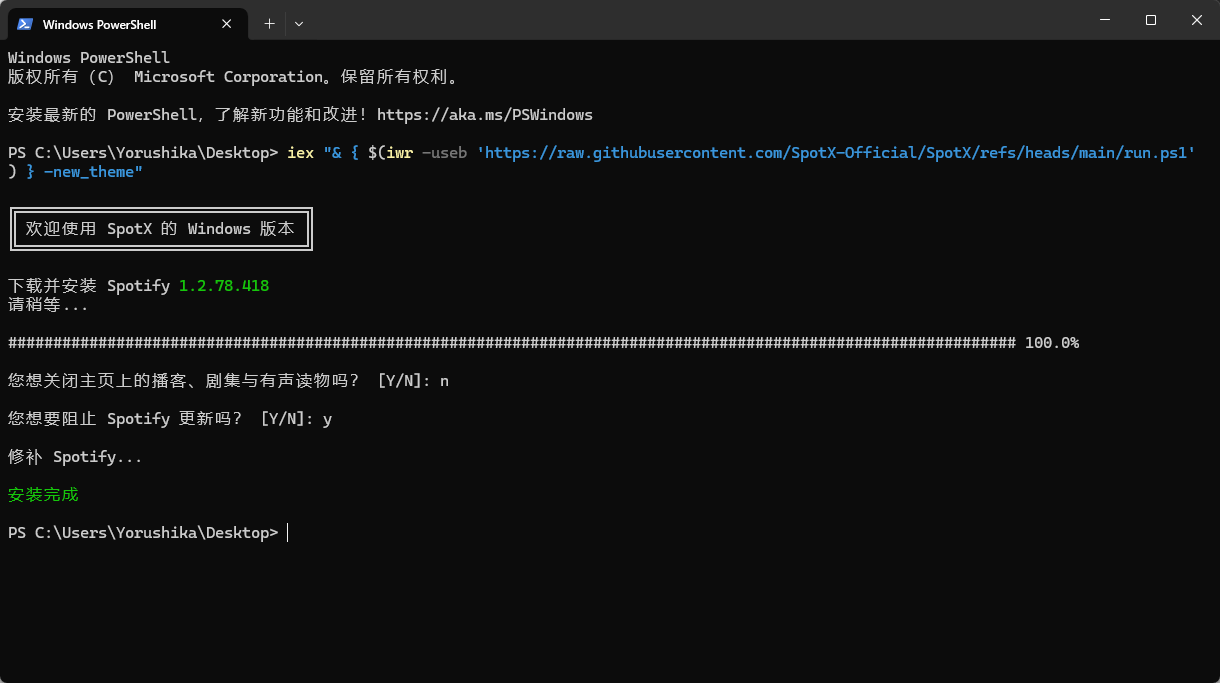
Installing lyricify4
If you’re unsure which version to download from GitHub releases, it’s recommended to install lyricify4 directly from the Microsoft Store with one click, and choose the free trial.
If you need to download from GitHub releases lyricify4, it’s recommended that all users download Lyricify Setup (.exe), rather than Lyricify (.7z) (if you encounter installation issues, you can try downloading the Lyricify (.7z) portable version). Note: Do not download pack-update or pack-full, these are for automatic updates and are not complete installation packages.
Regarding filename selection:
- “x86”, “x64”, “arm64” correspond to different device architectures. Currently, most devices should choose “x64”.
- .exe is the installer; .7z is the portable version (versions with self-contained include .NET 6.0 Desktop Runtime, see details); .Portable.7z is the portable version.
If you have any doubts, prioritize choosing “Lyricify Setup x64.exe” for installation.
I installed the portable version, which requires downloading and extracting to a folder, then running Lyricify.exe. The first run may require downloading .NET 6.0 Desktop Runtime, download and run it.
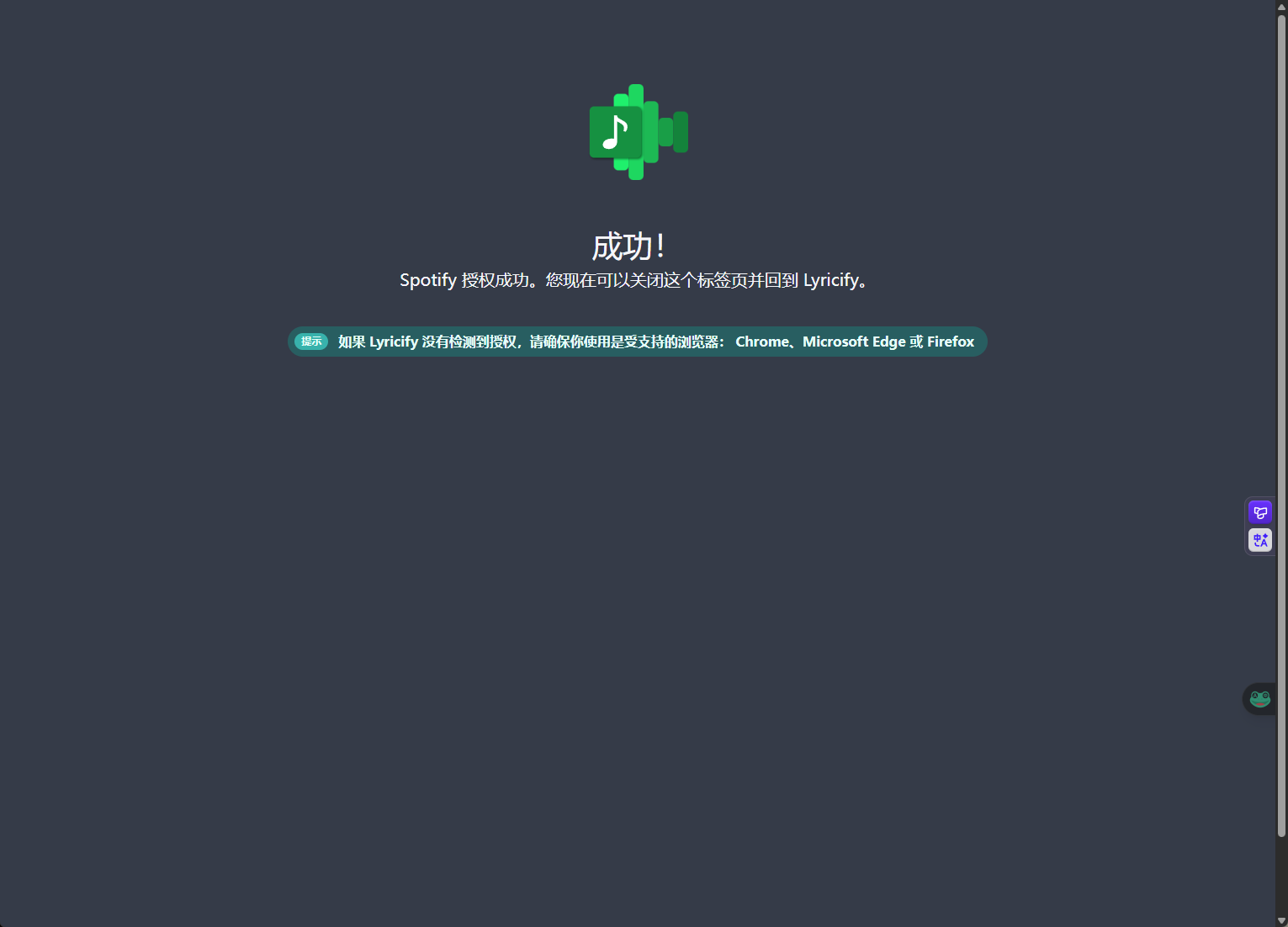
 After selecting your configuration and clicking continue, it will redirect to a web page for authorization. Once you see the authorization success page, you’re all set.
Enjoy Using Spotify
Now your Spotify can be used normally, ad-free with unlimited song skipping.
Of course, there’s also lyricify4’s lyrics display, supporting multiple lyrics formats.
